What Is the Yes or No Wheel?
The Yes or No Wheel is a free spinner that answers any yes or no question at random. Type a question if you like, spin, and the wheel lands on Yes or No, or on Maybe if you switch it on. Each answer has exactly the same chance on every spin.
It is made for the moments when you are stuck between two options that are both fine, and for games, classrooms and settling small arguments. The answer is picked by your browser's cryptographic random number generator before the wheel starts to move, and you can test the odds yourself further down this page.
How to Use It?
Using the wheel takes a few seconds. Here is each step, with the part of the page it happens in.
-
Type your question
Click the box under Your question and type what you are deciding, such as “Should I order pizza tonight?” This step is optional. You can skip it and spin straight away.

Your question stays in your browser. -
Choose the answers
Pick Yes or No for a straight 50/50, or Yes, No or Maybe to add a third answer. Each answer is always equally likely.
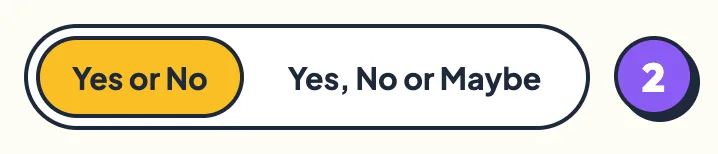
The selected mode turns yellow. -
Spin the wheel
Press the Spin button in the middle of the wheel or the one beside it, or press Space on your keyboard. You can also grab the wheel and flick it, which is explained in the next section. The wheel winds up, ticks past every segment and settles on the answer.
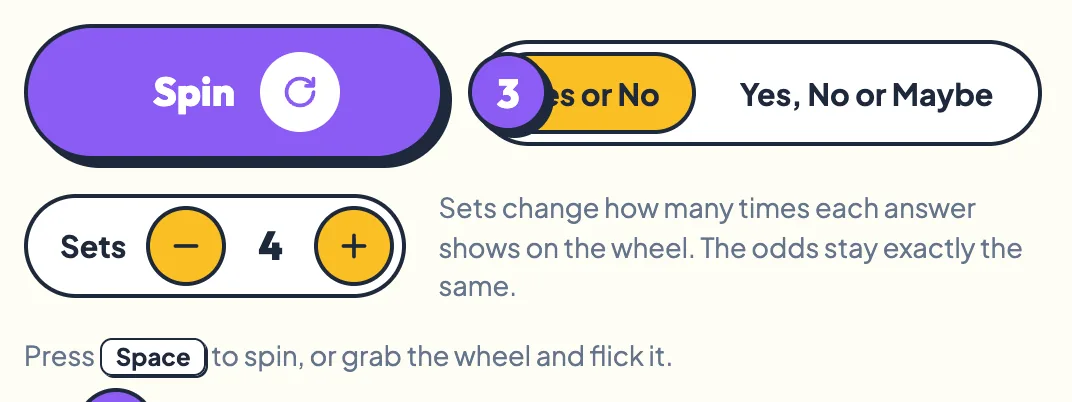
Space spins the wheel from anywhere on the page. -
Read the answer
The answer is stamped on the middle of the wheel and the winning segment stays bright while the others fade. A short jingle plays, a different one for each answer, and confetti pops out of the wheel.
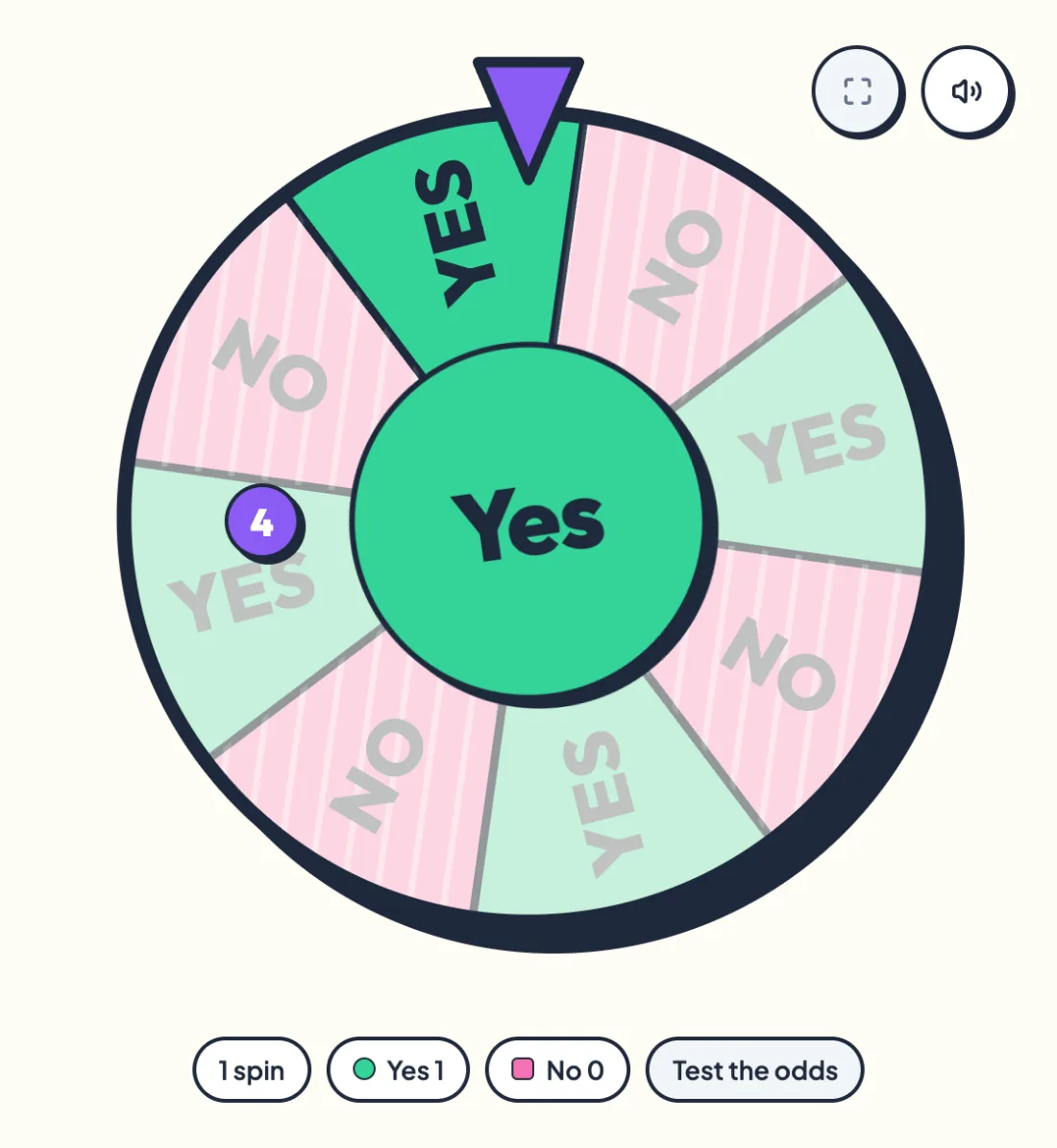
The answer sticker changes shape too. Yes is a circle, No a square, Maybe a speech bubble. -
Notice how it feels
Below the wheel, the result card repeats your question and the answer, then asks how the answer feels. Tap Relieved, Disappointed or Nothing much to see what your reaction means.
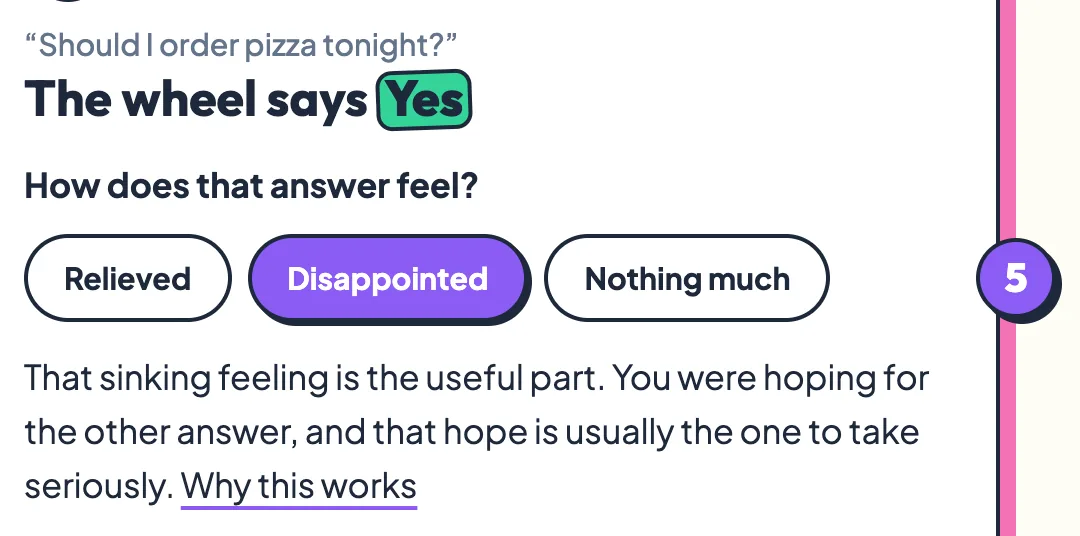
Your reaction is often more useful than the answer itself. -
Spin again or share
Press Spin again for a fresh answer, or use Share result and Ask a friend at the bottom of the card. Every spin is independent of the last one.

Both sharing options are covered below.
Flick to Spin
Instead of pressing Spin, you can spin the wheel by hand. Grab it with your mouse or finger, drag it round and let go. It ticks as each segment passes the pointer, just like a real prize wheel.
The harder you flick, the further and longer it spins, and you can flick it either way. A quick tap without dragging spins it like the button. If you let go slowly, the wheel simply stays where you left it.
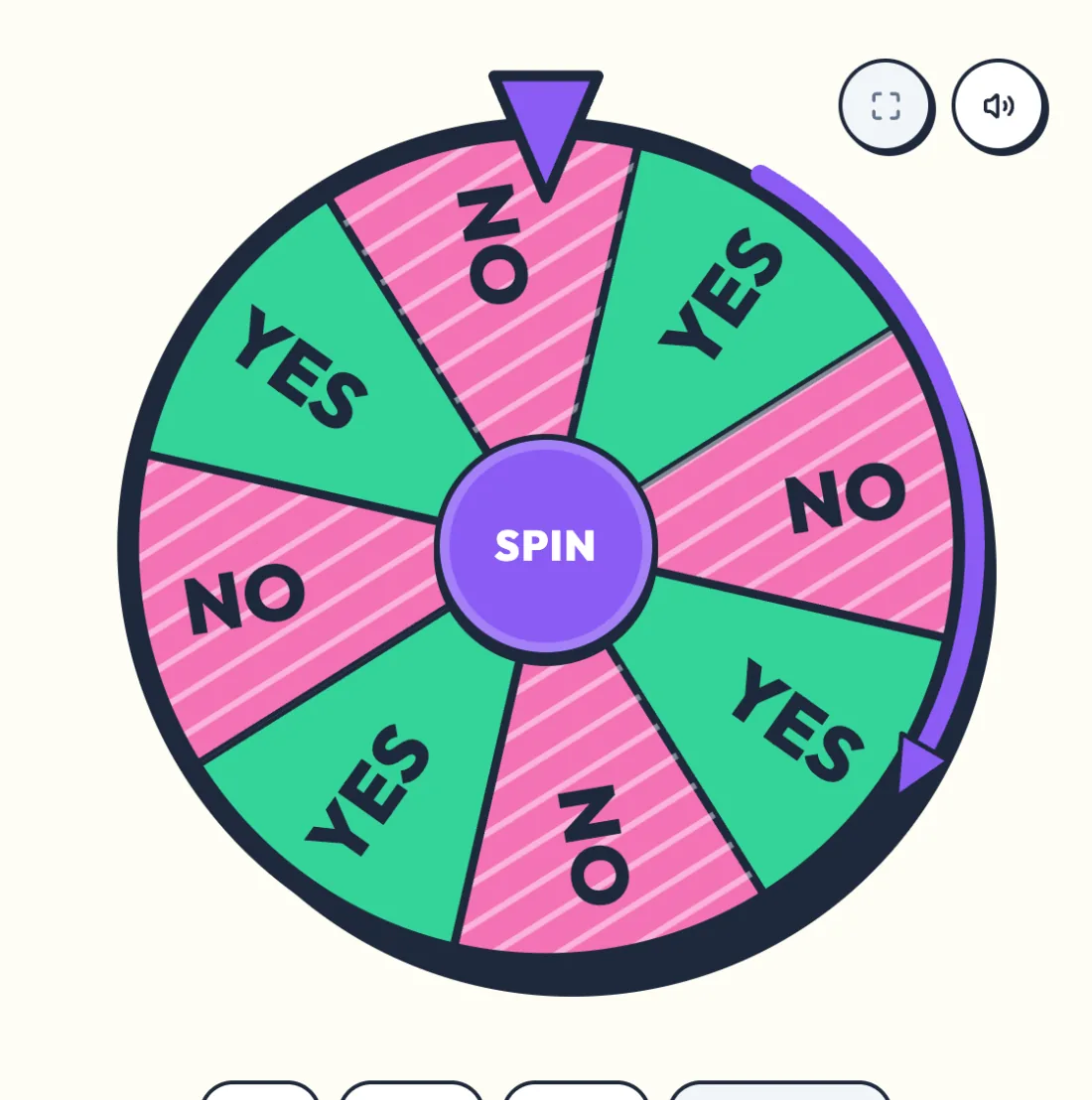
A flick only decides how far the wheel turns. The answer was chosen before the wheel moved, so no flick, however strong, can steer it.
Wheel Customization
Three settings change how the wheel looks and sounds. None of them change the odds.
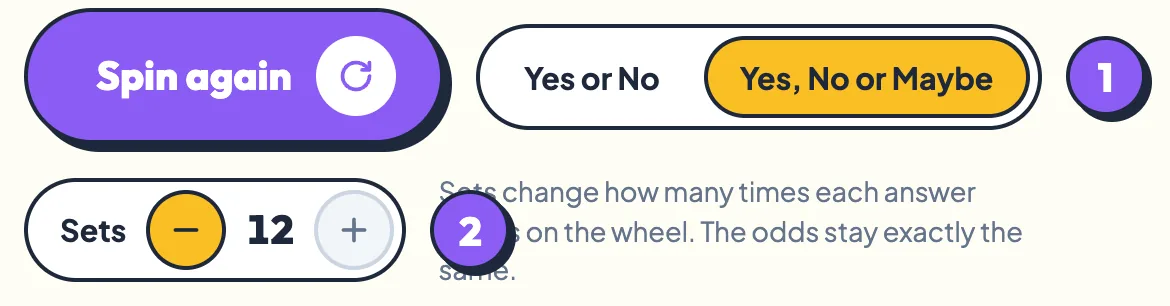
- Answers. Yes or No gives each answer a 1 in 2 chance. Yes, No or Maybe gives each a 1 in 3 chance.
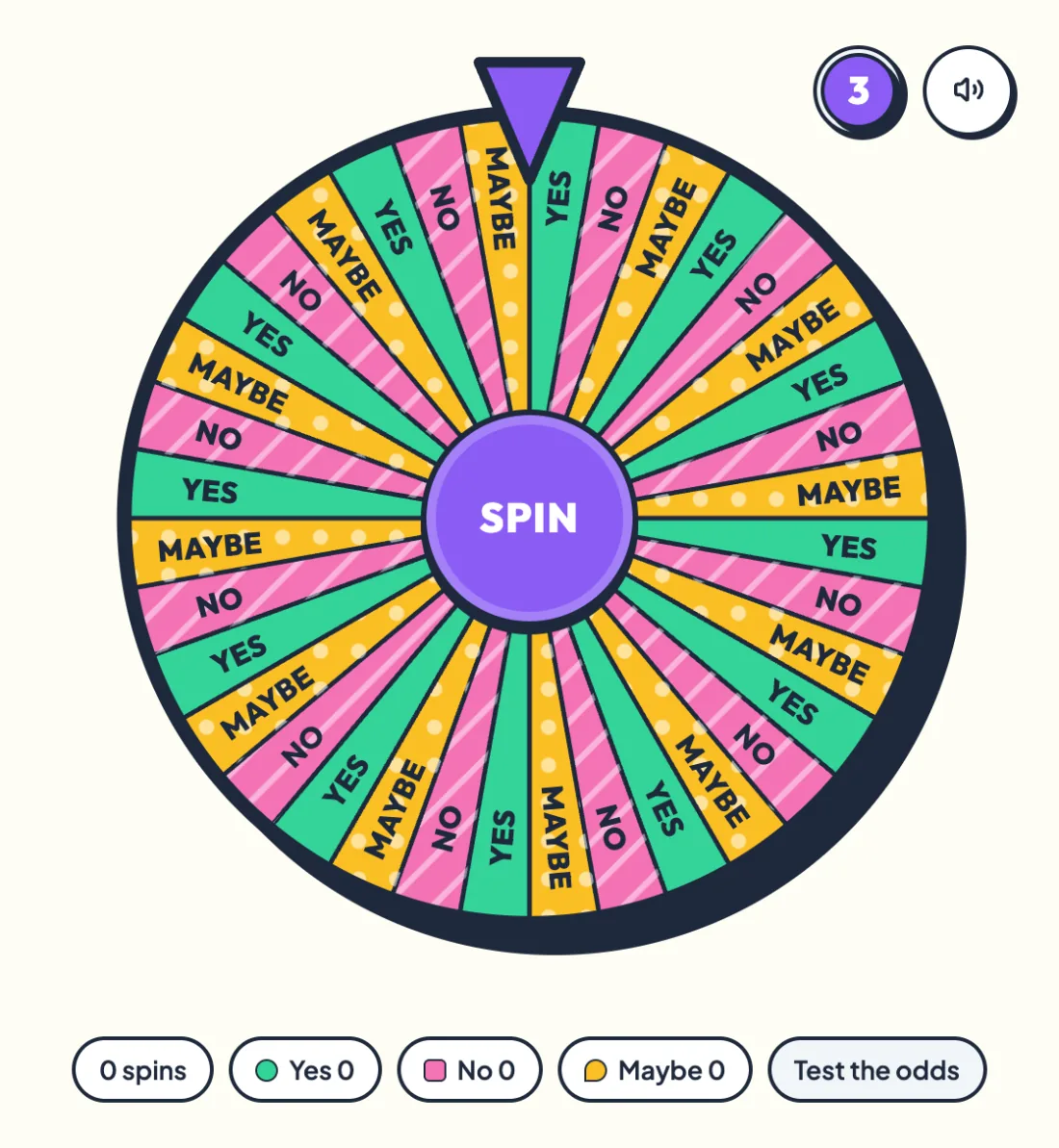
- Sets. Use the minus and plus buttons to show each answer from 1 to 12 times. One set splits the wheel in half. Twelve sets make 24 segments, or 36 with Maybe, and a lot more ticking.
- Sound and vibration. The round speaker button at the top corner of the wheel turns the tick sounds, the answer jingles and phone vibration on or off. Your choice is remembered next time.
Type Your Question
The question box is optional, but a typed question makes the result easier to read and to share. It appears in quotes above the answer on the result card, and on your share image.
Press Enter while you are in the box to spin straight away. The box holds up to 140 characters, which is plenty for a yes or no question.
Your question never leaves your browser. It is not saved, not sent to our server and not sent to our analytics. Close or refresh the page and it is gone.
View Your Results
Under the wheel, a row of counters shows how many times you have spun this session and how many spins landed on each answer.

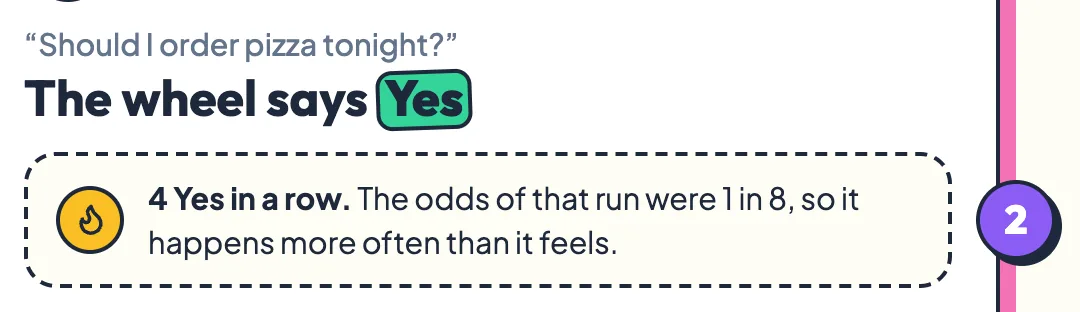
When the same answer comes up three or more times in a row, the result card shows the real odds of that streak. It is there to show the run is chance, not a stuck wheel.
Your sticker book
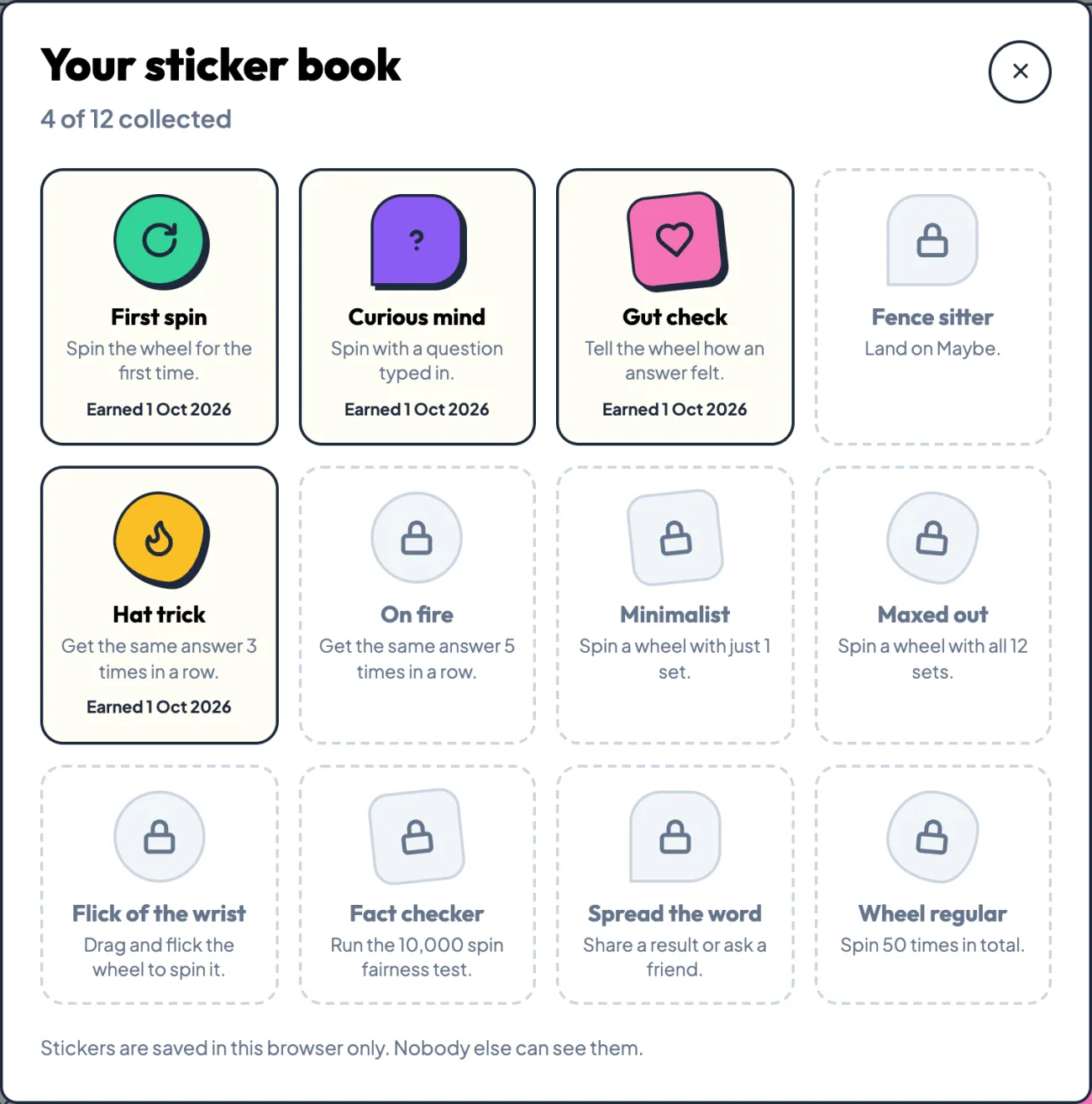
Every spin also counts toward your sticker book. Press Stickers at the top of the page to see all 12 stickers and what earns each one, from your first spin to five of the same answer in a row. A sticker pops up the moment you earn it.
Share Results
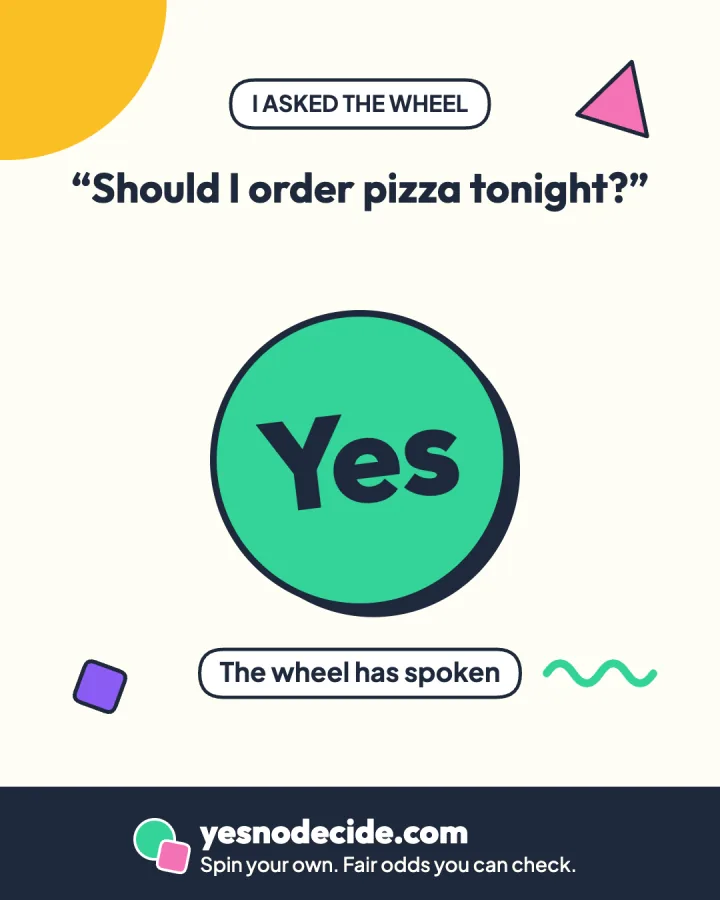
After a spin, press Share result to turn your answer into an image. It shows your question, the answer sticker and any streak, sized for chats, stories and feeds.
On a phone it opens your share menu, so you can send it straight to WhatsApp, Instagram or anywhere else. On a computer the image downloads, ready to post. The image is drawn in your browser and nothing is uploaded.
Full Screen View
Full screen turns the page into a big, clean wheel for a classroom projector, a TV, a stream or a party. Press the full screen button at the top corner of the wheel, or press F on your keyboard.
In full screen your question becomes the title, the wheel fills the screen, and Spin, the answer switch and sets sit underneath. Space still spins, flicking still works, and the sound, confetti and stickers all carry on.
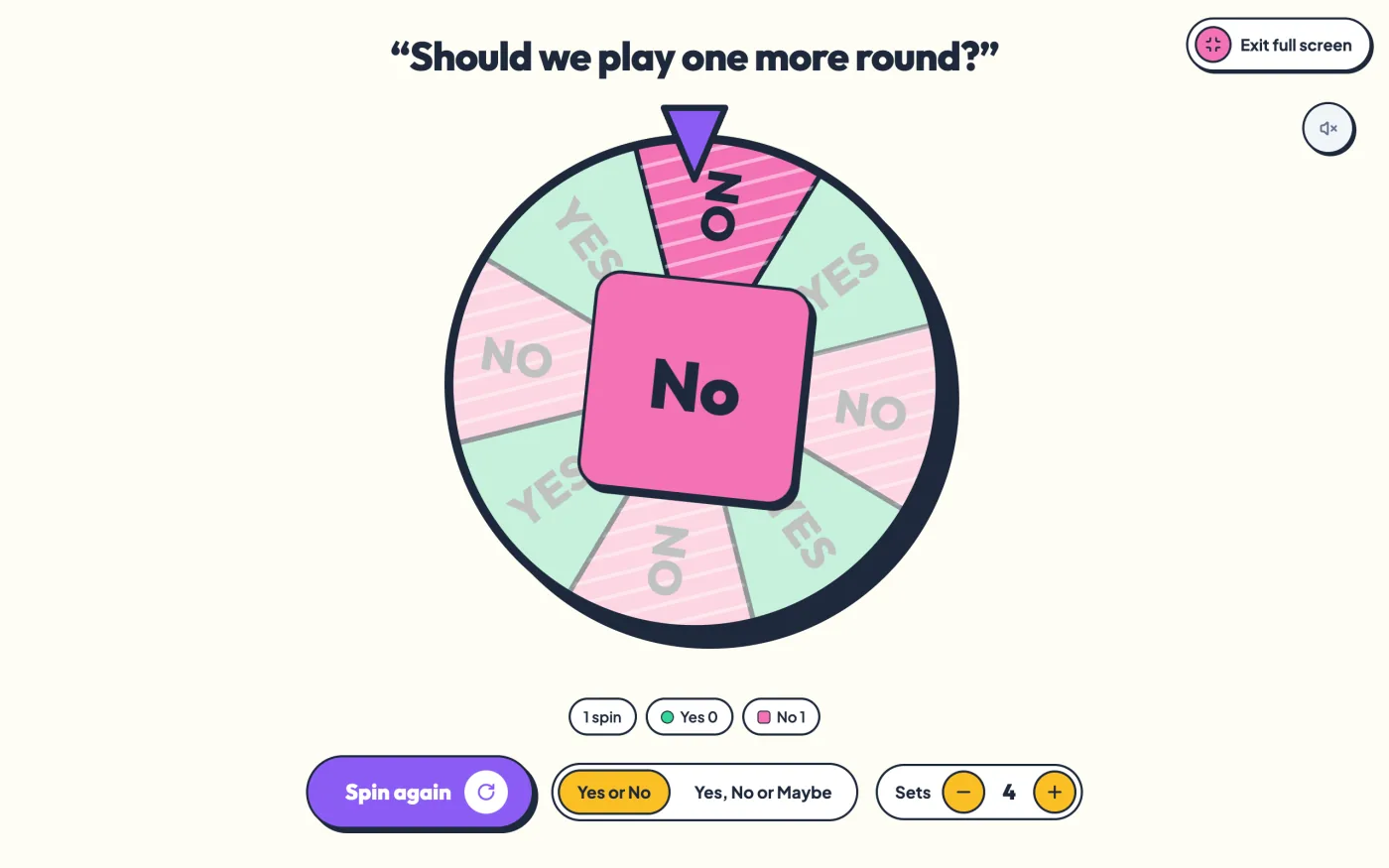
On iPhone, Safari does not allow web pages to go truly full screen, so the wheel fills the whole browser window instead. It works the same way.
Test the Odds
Most yes or no generators tell you they are fair. This one shows you how the answer is made and lets you test it with 10,000 spins.
The answer is picked before the wheel moves
When you press Spin, the page asks your browser's cryptographic random number generator, crypto.getRandomValues, for a number. MDN describes it as producing cryptographically strong values from a generator seeded with enough entropy. That number picks the answer. Only then does the wheel start turning, and the animation is built to land on the answer already chosen.
This means nothing about the spin can change the result. Not the moment you click, not how long the wheel turns, not your phone's frame rate. The wheel is a display. The decision is one line of code.
The same goes for sets. Each answer can appear once on the wheel or up to twelve times, but every answer always appears the same number of times, and the answer is picked before the wheel moves. More sets make a busier wheel and more ticks, not different odds.
Why yes, no or maybe needed extra care
A random 32-bit number has 4,294,967,296 possible values. That divides evenly by 2, so yes or no is exactly even. It does not divide evenly by 3, and a plain remainder would give one of the three answers a very slightly larger share. The code avoids this by throwing away the single value that does not fit, 1 in 4,294,967,296, and drawing again. The technique is called rejection sampling, and it makes each of the three answers exactly 1 in 3.
The wheel has no memory
Every spin is independent. Five yes answers in a row do not make no any more likely next time. Streaks feel suspicious but they are normal. In yes or no mode, five spins all land on the same answer about 1 time in 16.
Run 10,000 spins and check the split
Yes or no mode
The test calls the same code as the wheel, in whichever mode the wheel is set to, and counts the answers.
A fair generator will not land on exactly 5,000 yes answers. In about 95 runs out of 100 it lands between 4,902 and 5,098. The chart places your run against that range in standard deviations, written σ, the usual yardstick for how far a count drifts by chance alone.
When to Use This Yes or No Wheel?
A random yes or no works best when both answers are acceptable and the real problem is that you cannot make up your mind.
Everyday decisions
- Should I order takeout tonight?
- Should I go to the gym today?
- Should I buy it, or wait?
- Should I watch one more episode?
Classroom and group activities
Teachers use a yes or no spinner for quick class votes, warm-up questions and deciding whether the lesson ends with a game. With the sound on and the page on a projector, the ticking wheel holds a room's attention. Turning on Maybe gives the class a third outcome to cheer for.
Work and team activities
Teams use the wheel to settle small ties that are not worth a debate, such as whether to order lunch in or whether to start the meeting with a quick game. Keep it for low-stakes calls. Anything with real consequences deserves a proper discussion.
When you cannot choose between yes and no
If you have weighed both sides and they still feel equal, a random answer is a fair way out, and the way you react to it often tells you what you wanted. The next section explains why, with the research behind it.
How to Get a More Useful Yes or No Answer
The wheel answers instantly. Getting an answer you can actually use takes a little care before and after the spin.
Ask one clear question
Keep it to two real options. If there are three or more choices, a yes or no wheel is the wrong tool. Then make yes mean change. Ask “Should I apply for the new job?” rather than “Should I stay where I am?” so that yes points at the option you are nervous about. The study further down shows why that framing matters.
Decide whether one spin is final
Before you spin, decide whether you will follow the answer or treat it as a prompt, so the result cannot bully you. Then spin once. If you want a second spin, notice why. Wanting a do-over usually means you already know.
Use yes, no or maybe when needed
Switch the wheel to yes, no or maybe and each answer gets exactly a 1 in 3 chance, about 33.3 percent. The answer comes from the same code as in two-answer mode.
Treat maybe as not yet. It is the wheel saying the question is missing something, such as a fact, a price or a conversation. Find that and ask again. Do not switch modes halfway through a question. Adding maybe cuts the chance of yes from 50 percent to 33.3 percent, so switching after an answer you disliked changes the odds, not the question.
Pay attention to your reaction
The most useful thing a yes or no wheel does happens in the second after it stops. You feel something about the answer, relief or a small drop in your stomach, and that feeling tells you what you wanted all along.
This is more than folk wisdom. In a 2019 study published in PLOS One, psychologists Jaffé, Reutner and Greifeneder found that using a coin flip as a decision aid made people's feelings about the result stronger. People did not necessarily do what the coin said. They decided according to the feeling the coin brought to the surface. That is why this wheel asks how the answer feels after every spin.
- Relieved. You wanted this answer before you spun. Take it.
- Disappointed. You were hoping for the other answer. Take that hope seriously, it is usually the real preference.
- Nothing much. The options are close in value. This is the one case where letting the wheel decide is exactly right.
What happened when 20,000 people let a coin decide
In the largest real test of this idea, economist Steven Levitt invited people who were stuck on a decision to flip a virtual coin on his website. Heads meant make the change. Tails meant stay as you are.
The decisions ranged from small ones, such as whether to break a bad habit, to large ones, such as quitting a job or ending a relationship. Two findings matter for anyone using a yes or no wheel.
First, the coin moved people. Those whose coin came up heads were 25 percent more likely to make a change, and the effect was strongest on small questions. On breaking a bad habit, more than 80 percent did what the coin said. On weightier decisions the coin had less pull, which is how it should be.
Second, change tended to pay off. People who made a change were no worse off two months later and much better off six months later. The study's conclusion was that people facing big choices may be excessively cautious.
Keep the limits in mind. The participants chose to take part and reported their own happiness, so the result describes people who were genuinely torn, not everyone. It is a reason to take the wheel seriously as a prompt, not a reason to let it run your life.
Use the Wheel for Games and Parties
Put the wheel on a big screen or pass a phone around, turn the sound up, and it becomes a party game. Three that work well:
- Call it. Before each spin, every player calls Yes or No. Anyone who calls it wrong is out, and the last player standing wins. Switch on Maybe to knock players out faster.
- Dare or pass. When a player is given a dare, the wheel decides whether they have to do it. Yes means do it, No means they are let off.
- Streak hunt. Players take turns spinning. The first to land the same answer three times in a row on their own turns wins. In yes or no mode, any three spins match about 1 time in 4, so rounds stay short.
For extra drama, raise the sets to 12. More segments mean more ticks as the wheel slows down.
How to Share the Spinner with Friends?
You can ask a friend to spin your question for you. Type your question, then press Ask a friend on the result card after any spin. On a phone this opens your share menu. On a computer it copies a link you can paste into any chat.
When your friend opens the link, your question is already in the box and the result card tells them a friend wants their answer. If they share their result, the image says a friend asked and they spun.
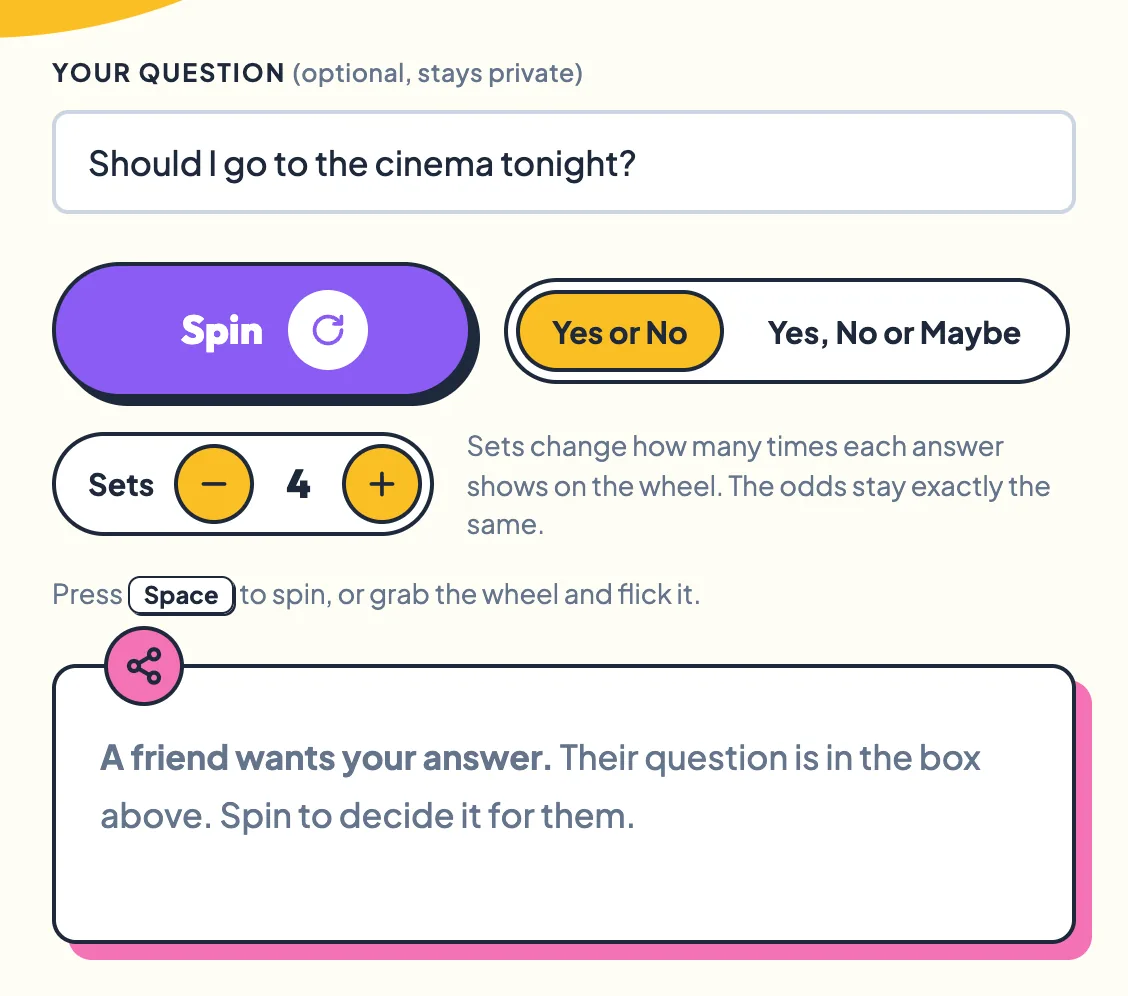
The question travels inside the link after a # sign. Browsers never send that part of a link to a server, and the page removes it from the address bar as soon as it opens.
Frequently Asked Questions
Is the yes or no wheel really random?
Yes. Each answer comes from your browser's cryptographic random number generator, crypto.getRandomValues, and it is chosen before the wheel starts moving. In yes or no mode each answer has exactly a 1 in 2 chance. In yes, no or maybe mode each has exactly a 1 in 3 chance.
Do sets change the odds?
No. Sets only change how many times each answer appears on the wheel, and every answer always appears the same number of times. The answer is picked before the wheel moves, so one set and twelve sets give exactly the same odds.
Does flicking the wheel harder change the answer?
No. A harder flick makes the wheel turn further and for longer, but the answer was picked before the wheel started moving. The flick only changes the ride.
Why did I get the same answer five times in a row?
Because streaks are normal. In yes or no mode, any five spins all land on the same answer about 1 time in 16, or 6.25 percent. The wheel has no memory, so five yes answers in a row make the next spin no more likely to be no.
Can I spin again if I don't like the answer?
You can, and nothing stops you. But wanting a second spin is an answer in itself. If the result disappointed you, you were hoping for the other one, and that is worth knowing.
Is my question saved or sent anywhere?
No. Your question stays on this page, in your browser. It is not sent to any server or to our analytics, and it is gone when you close or refresh the page. If you use Ask a friend, the question travels inside the link you send, after a # sign, and browsers never send that part of a link to a server.
Is a yes or no wheel better than flipping a coin?
The odds are the same, 1 in 2. The difference is that a real coin depends on how it is tossed and caught, while this wheel's odds are fixed in code and you can test them on this page. For helping you decide, what matters is the moment the answer appears, not the object that produced it.
Should I do what the wheel says?
For small choices you can easily undo, go ahead. For anything bigger, treat the answer as a test of how you feel rather than an instruction. Research on coin flips found that people often decide by their reaction to the result rather than the result itself.
When should I not use a yes or no wheel?
When one of the options is not acceptable. Do not let a random answer decide questions about health, medication or safety, money or legal commitments that are hard to undo, or choices that mainly affect someone else unless they agreed to the spin. Even in Levitt's coin flip study, the coin mattered least on the biggest questions.
Sources
- Levitt, S. D. (2016). Heads or Tails, The Impact of a Coin Toss on Major Life Decisions and Subsequent Happiness. NBER Working Paper 22487. Summarised in To Change, or Not to Change? Just Flip a Coin, NBER Digest, October 2016.
- Jaffé, Reutner and Greifeneder (2019). Catalyzing decisions. How a coin flip strengthens affective reactions. PLOS One.
- MDN Web Docs. Crypto.getRandomValues() method.